Start point / Destination action menu
The following options are available when selecting a start point or destination: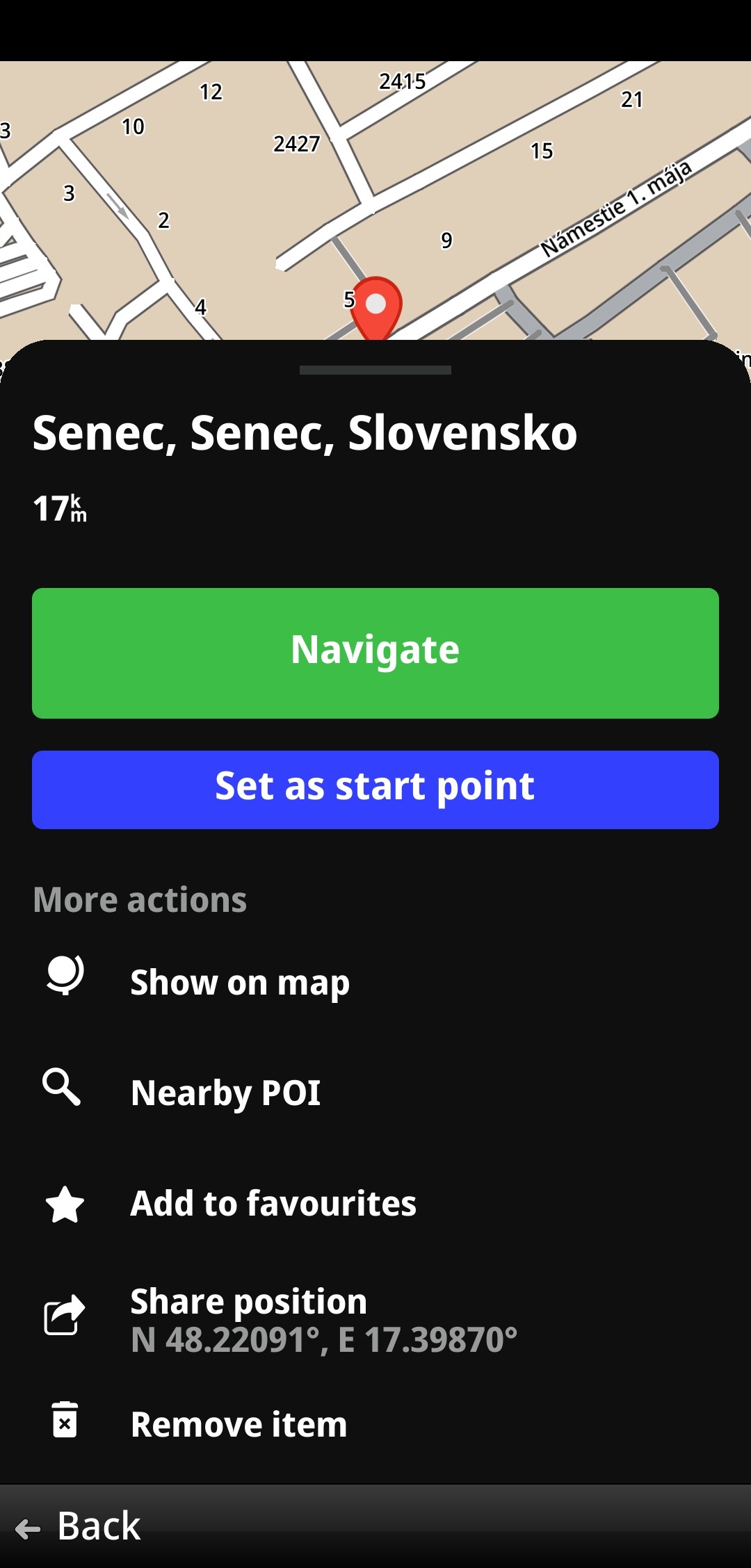
Navigate – calculates a route to the selected location.
Set as start point – uses the selected location as the start point and returns to route planning.
Always avoid - selected location will be excluded from future route calculations
Show on map – centres the map on the selected location.
Nearby POI – displays points of interest near the selected location. Switch to List view to display nearby POIs sorted by distance.
Add to favorites – saves the location to your favorites. If the location is already saved, this option changes to Rename item.
Share position – shares the location coordinates using applications available on your device.
Remove item – available for locations selected from Favorites or History.
Waypoint action menu
When selecting a location to be used as a waypoint, the following additional options are available: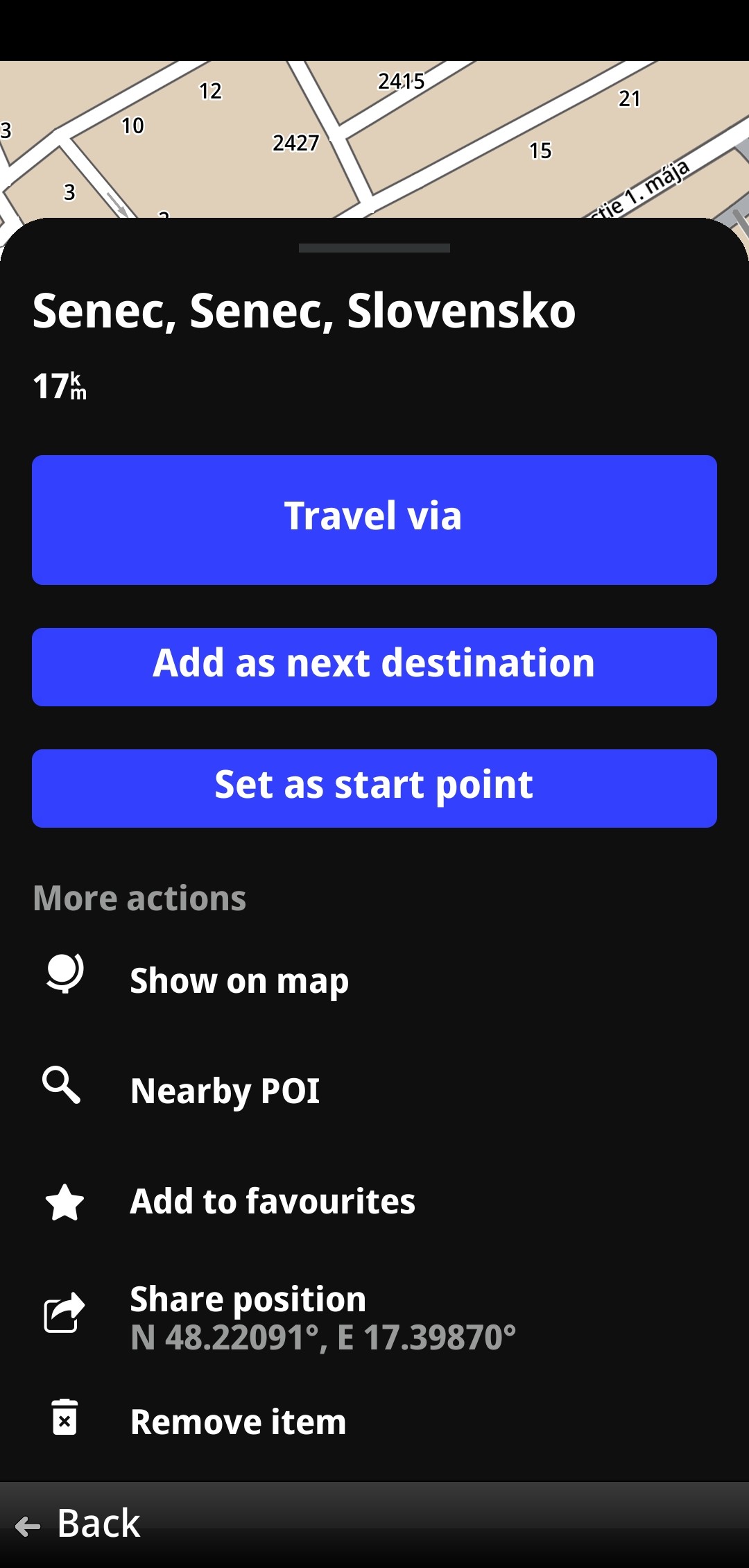
Travel via – adds the selected location as a waypoint.
Add as next destination – sets the selected location as the next destination. The current destination remains in the route as a waypoint.
Set as start point – replaces the current start point and opens the route preview screen.
The following options are also available:
Show on map
Nearby POI
Add to favorites / Rename item
Share position
Remove item