Quick selection panel in Map Browsing Screen
- when exploring the map, searching for destinations and planning routes before navigation begins
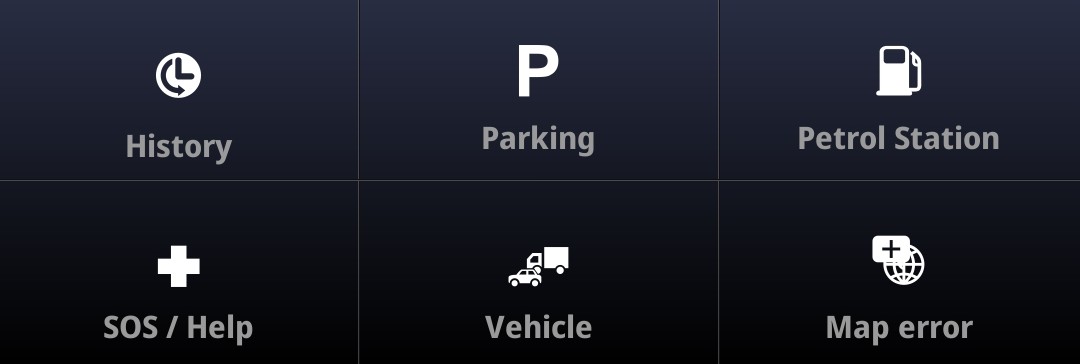
History – access to recently searched destinations
SOS / Help – navigation to nearby emergency services, option to call the emergency number
Parking – search for nearby parking facilities
Vehicle – access to vehicle profiles
Petrol station – search for nearby petrol stations
Map error – option to report a map error at your location, on the road ahead, or report a missing restriction for heavy goods vehicles
Quick selection panel in Active Navigation Screen
- appears during navigation, when following an active route and receiving navigation instructions.
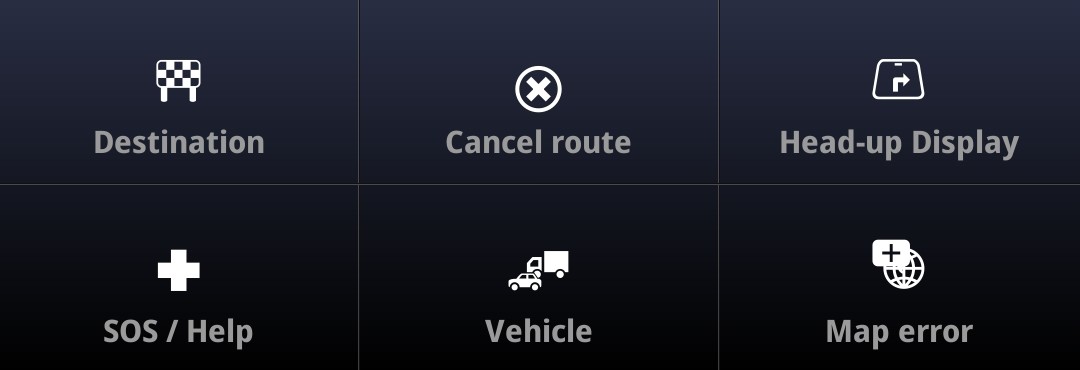
Destination – options for managing the destination
SOS / Help – navigation to nearby emergency services, option to call the emergency number
Cancel route – end the current route
Vehicle – access to vehicle profiles
Head-up Display – enable Head-up Display mode
Map error – option to report a map error at your location, on the road ahead, or to report a missing restriction for heavy goods vehicles